Matching
From free matching to host-arranged meetings, in one place
Set the rules in one console and read the results in a report.
Events and teams that run on Umoh










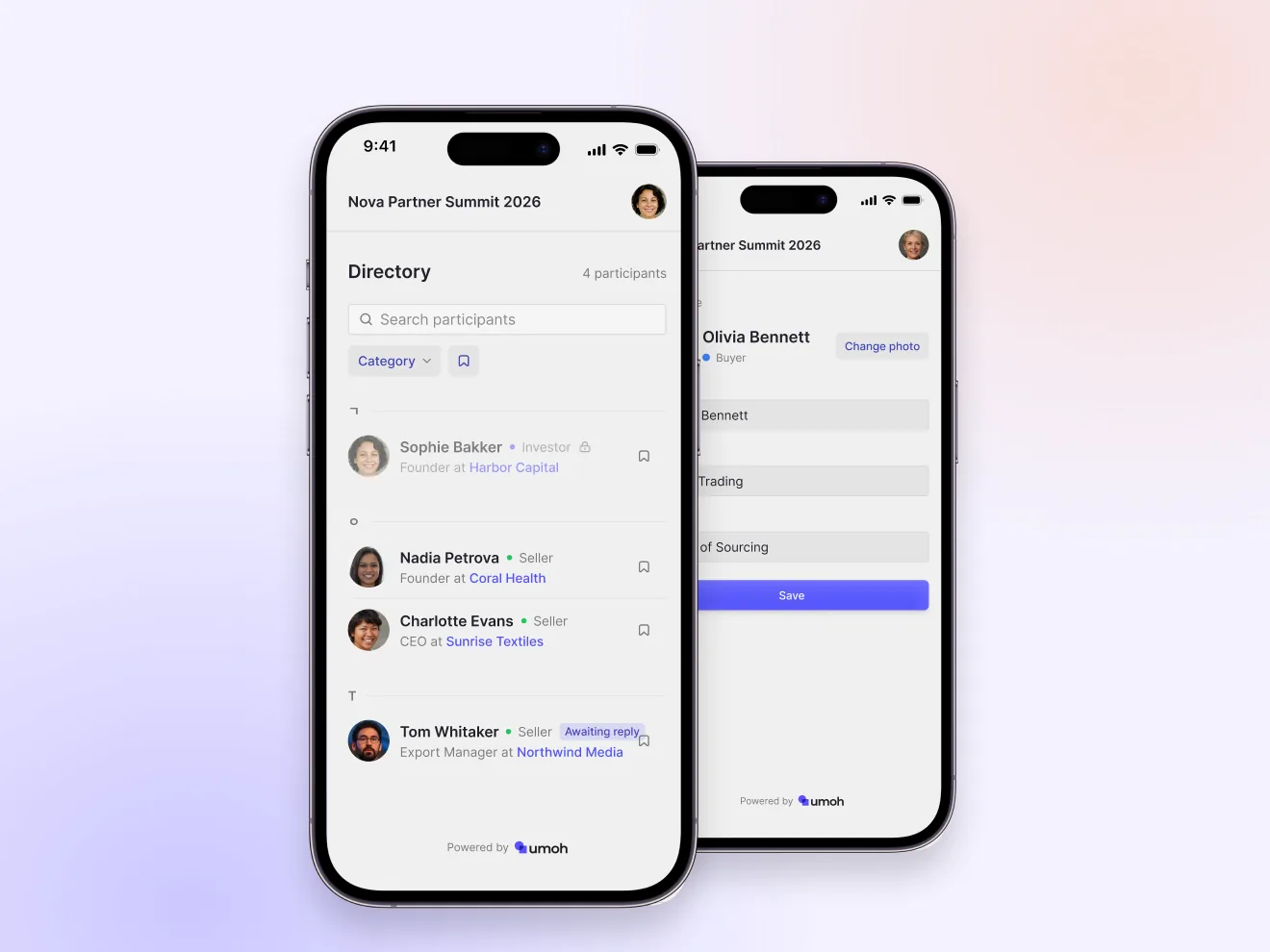
Free matchingA 1:1 meeting is confirmed the moment the other side accepts
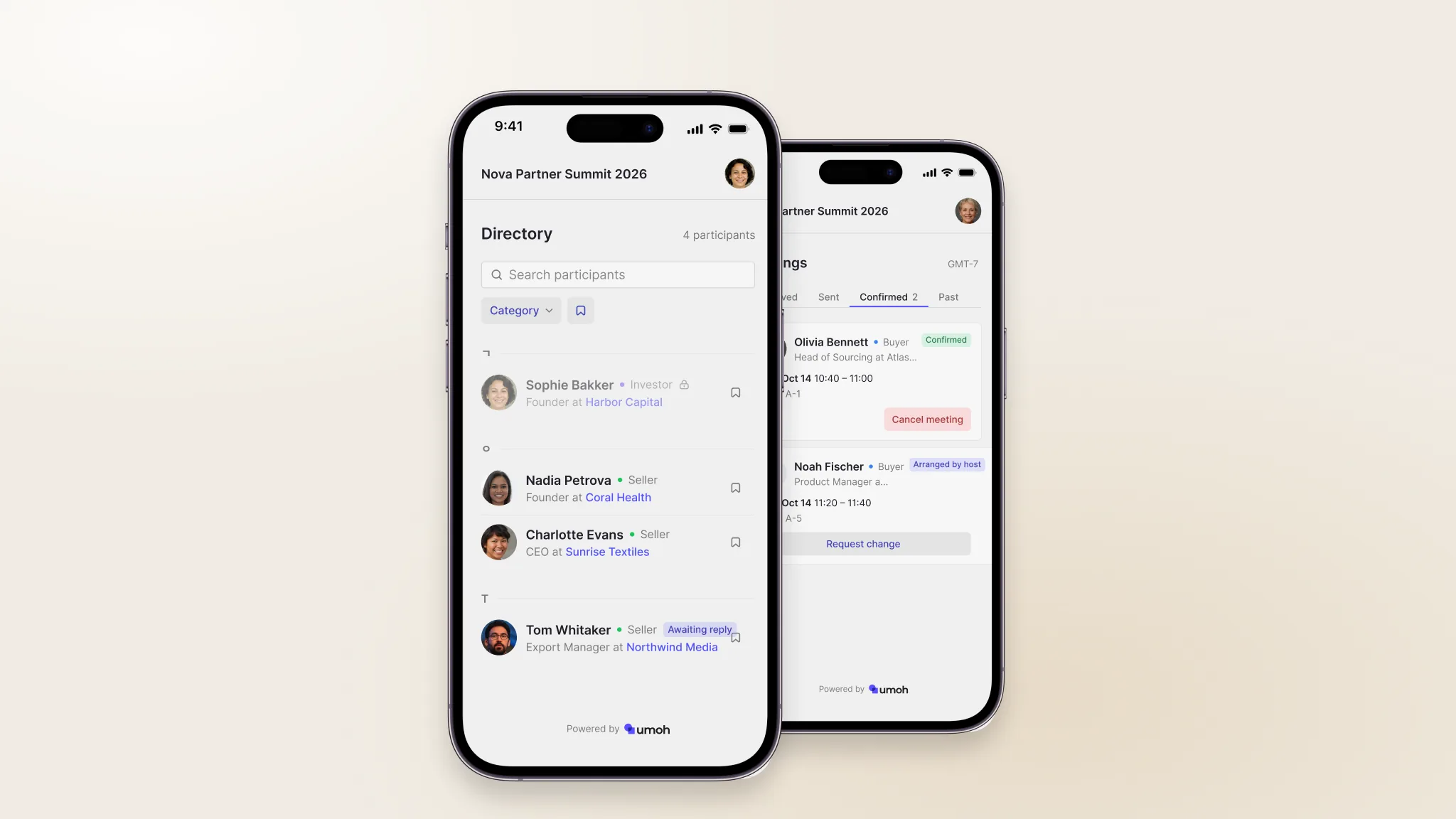
Directory search
Find people by name, company, or participant type and read their profile.
Shared free time
Only mutually free slots are shown, so requests land at a time that works.
Instant confirmation
An accepted request goes straight onto both schedules.
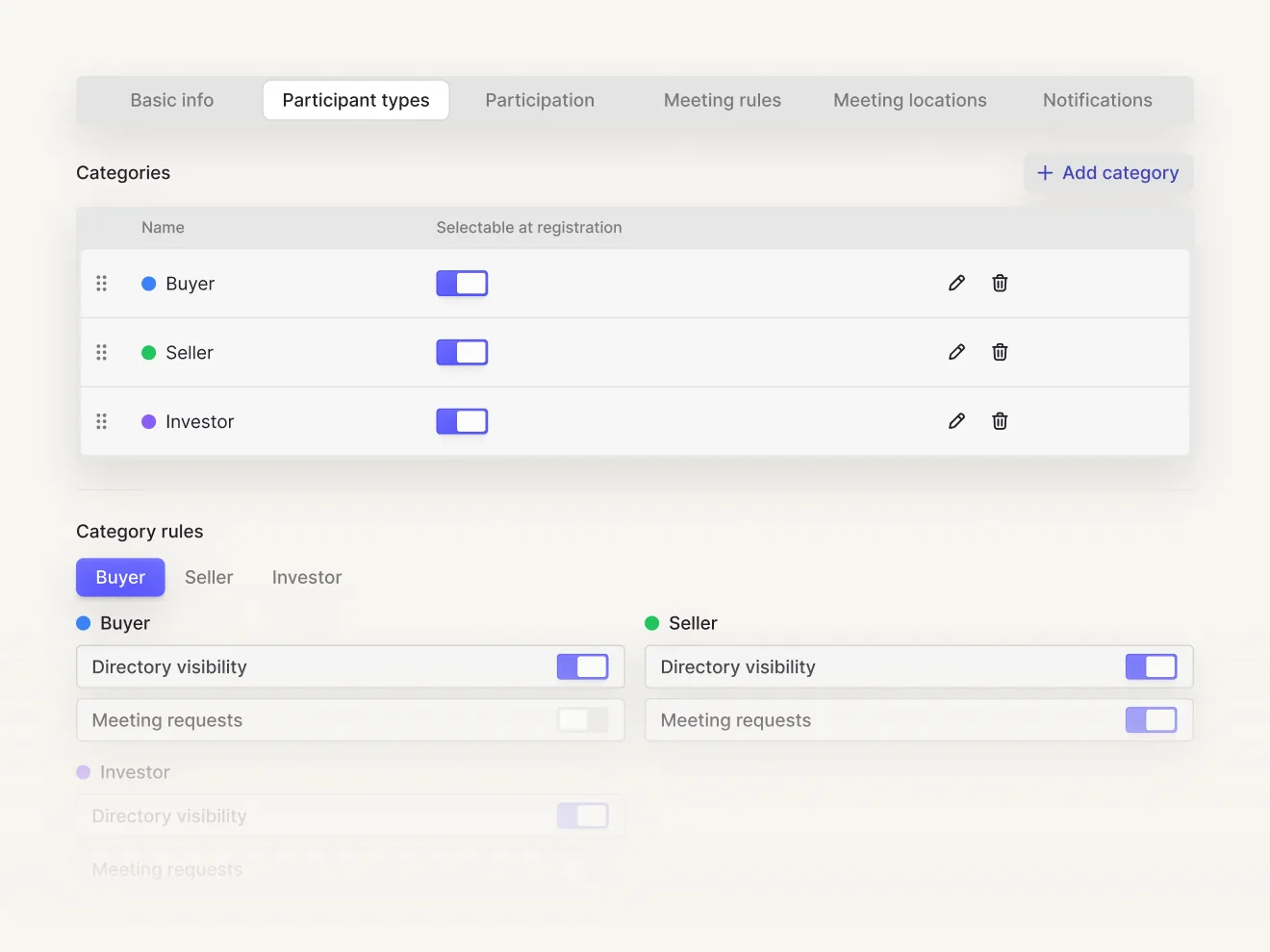
Matching rulesDecide who can request whom, and how many meetings a day
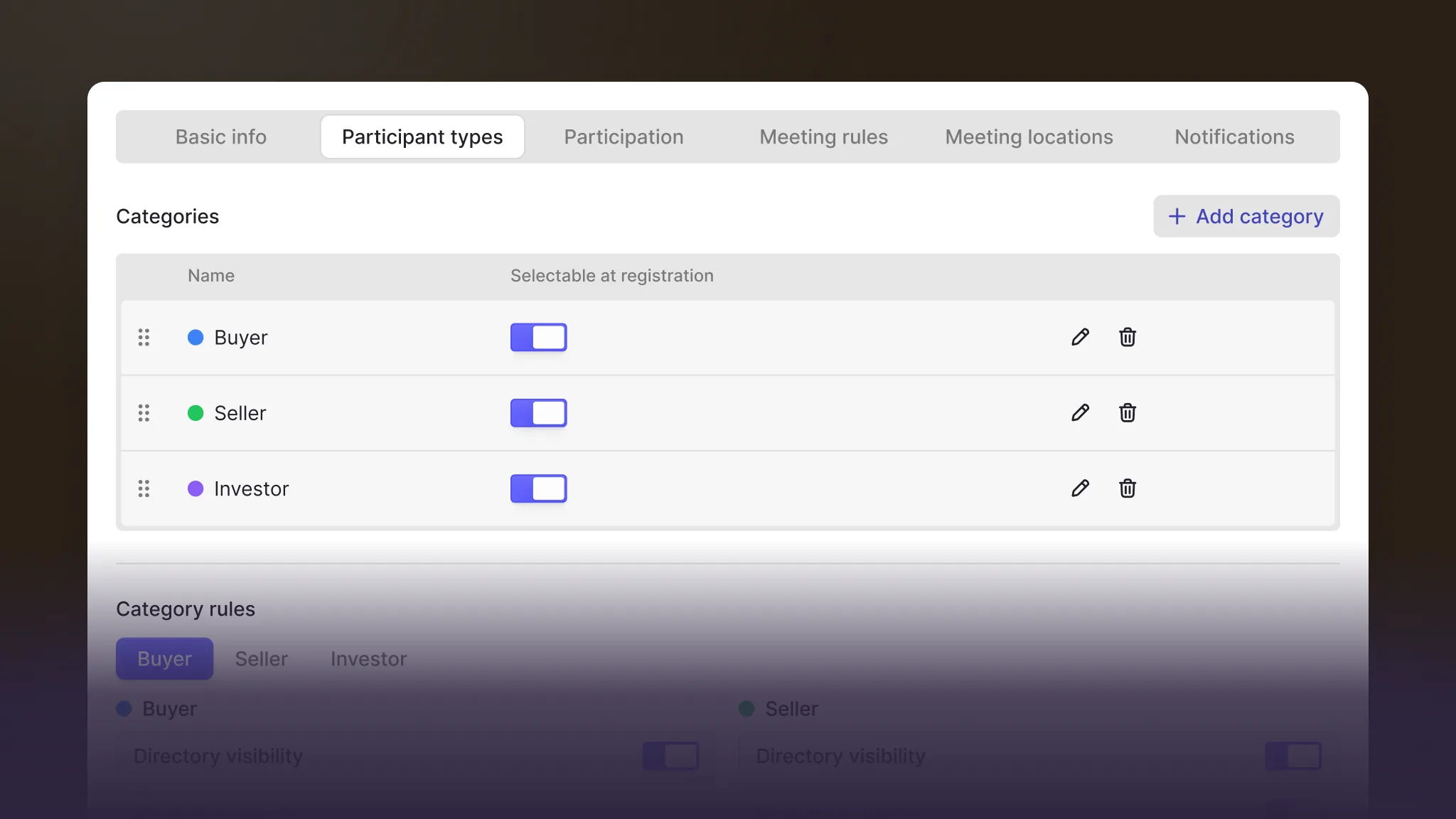
Request direction
Let only buyers request sellers, or open it both ways.
Daily limit
Set a limit per participant type, like six meetings a day per investor.
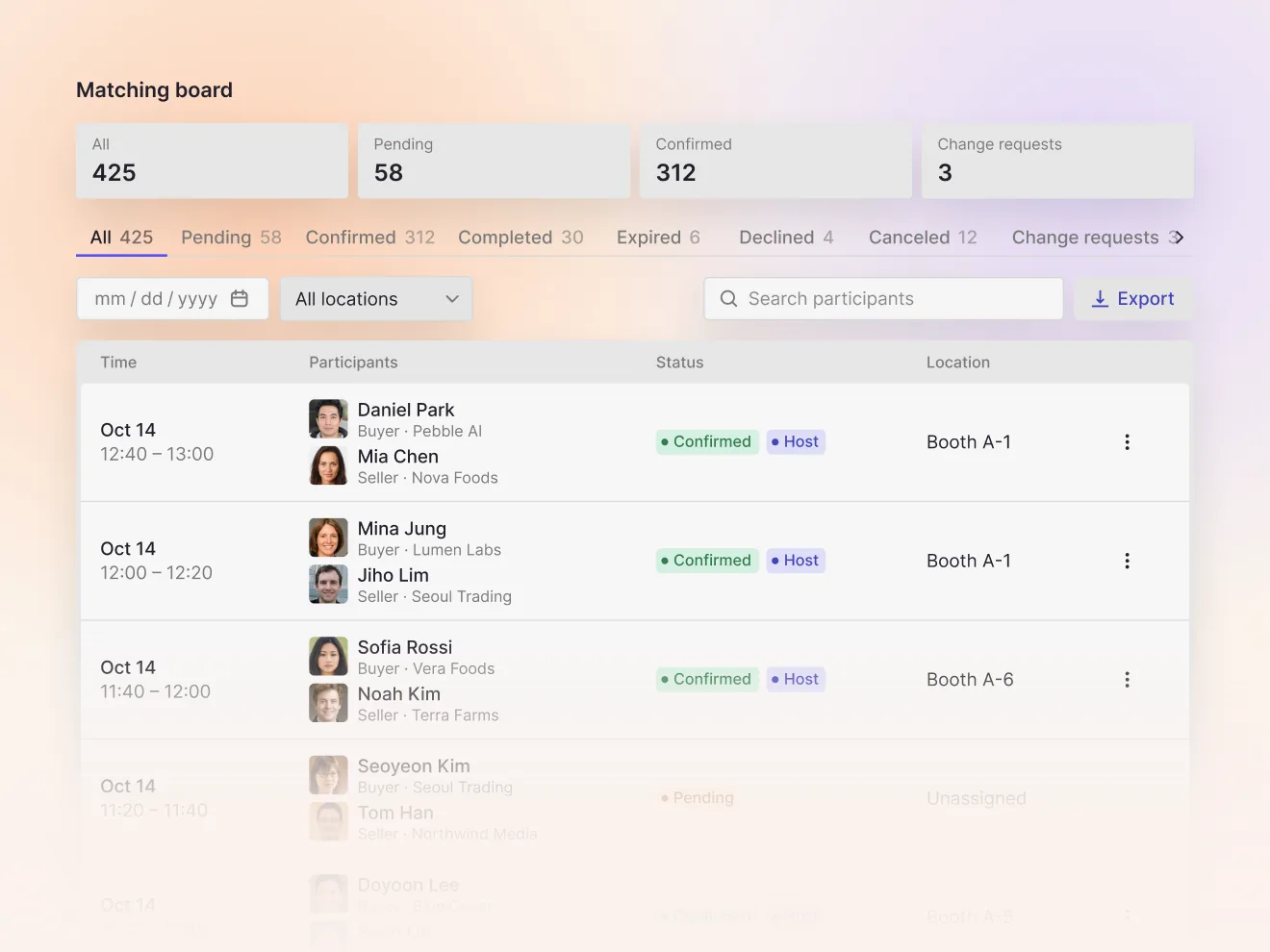
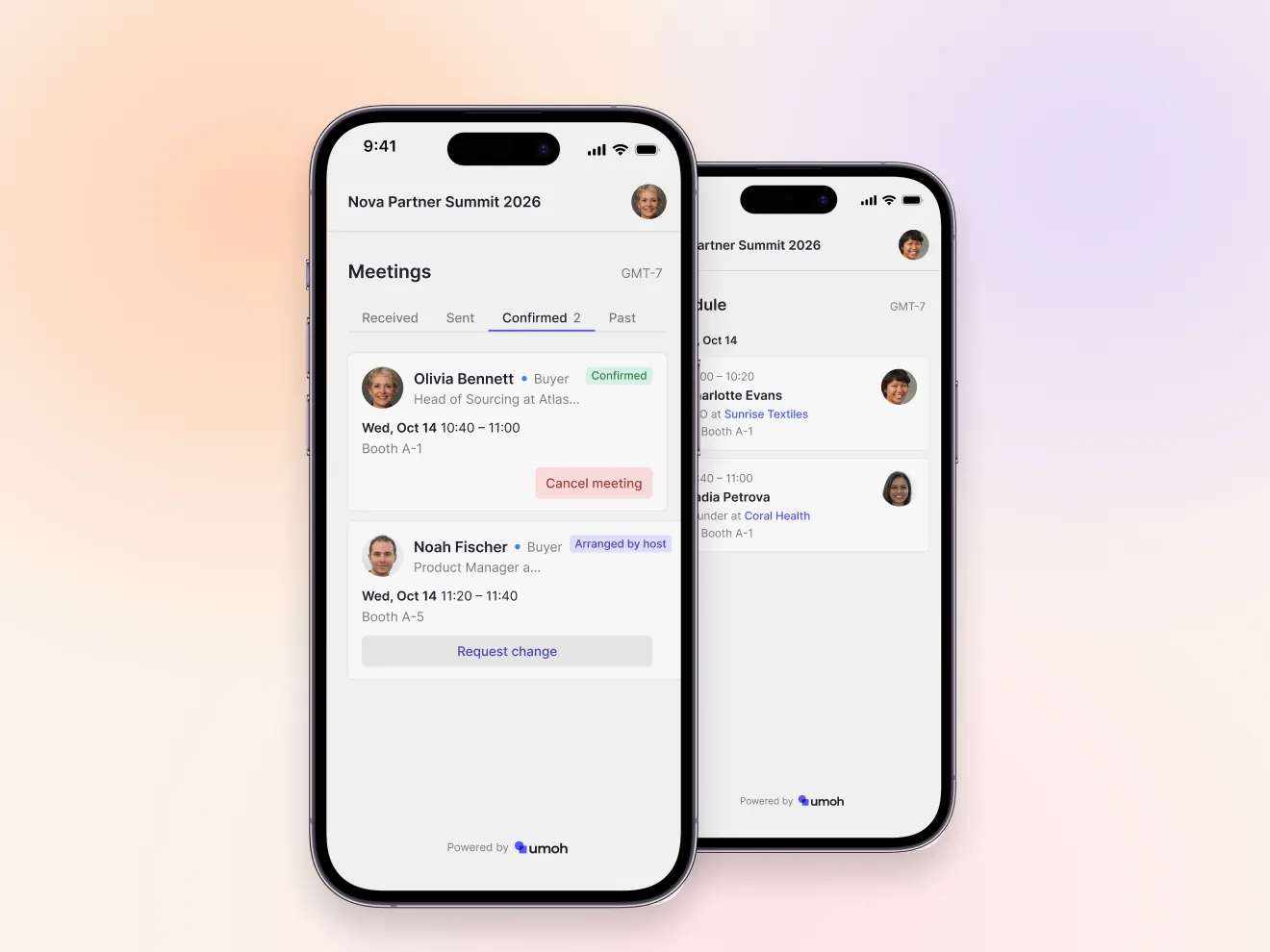
Host-arranged meetingsPair the meetings that matter on the schedule
Meeting list
See requests and confirmations on one screen.
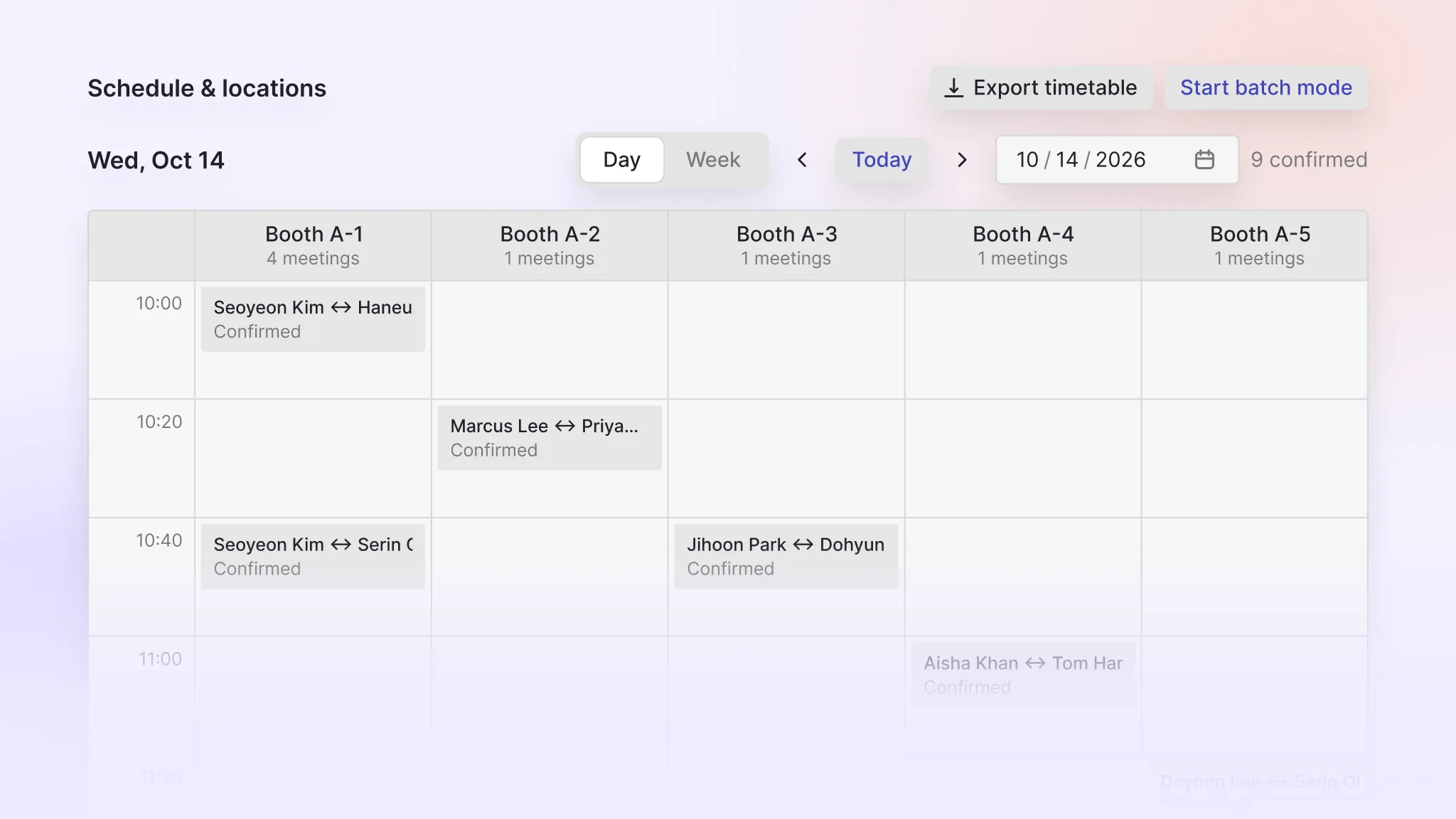
Schedule
Place meetings on a grid of locations and time slots, then confirm.
Override
Pair people outside the rules after reviewing the warning.
Matching KPIsFrom acceptance rate to meetings per participant, in one report
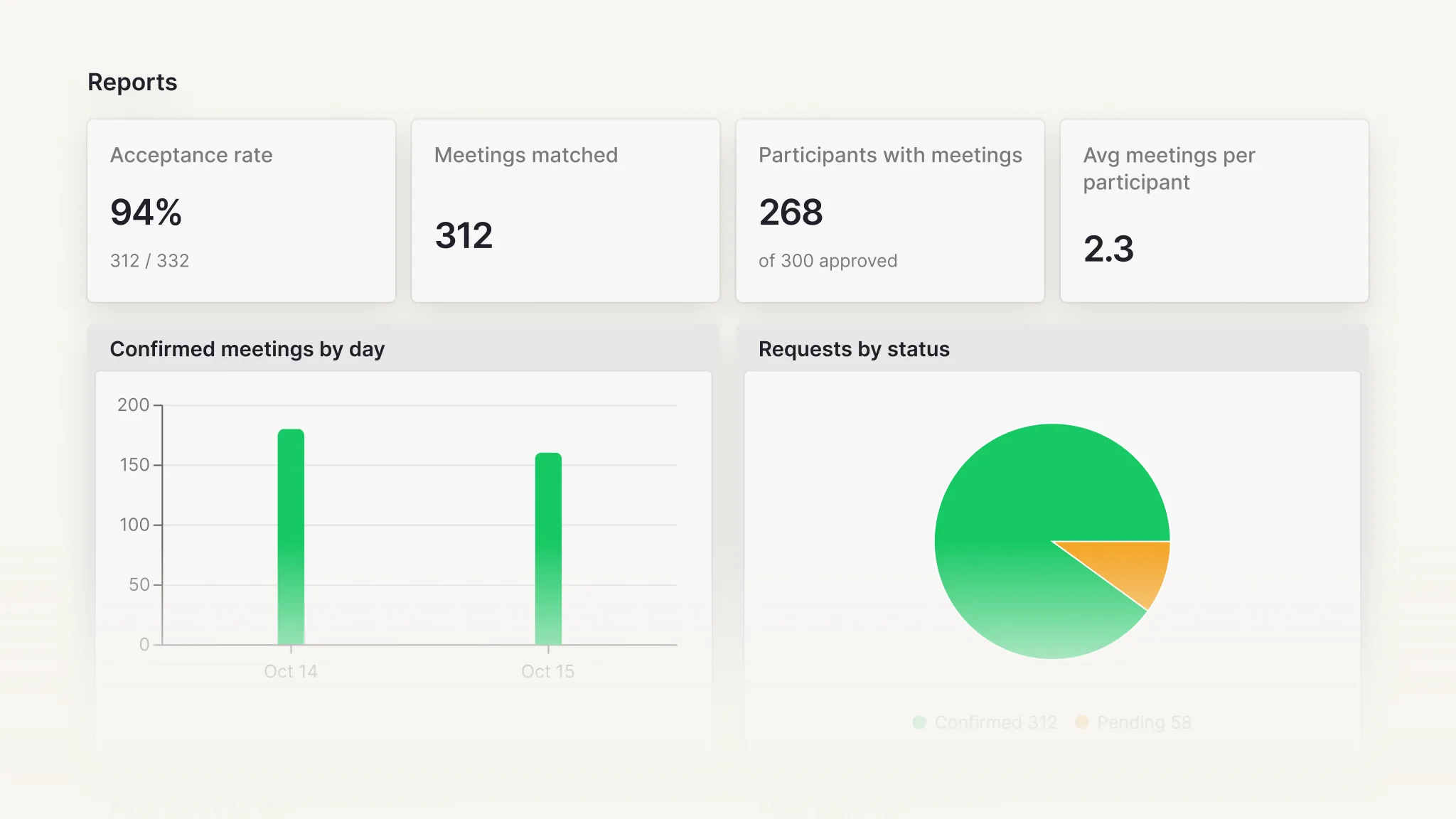
Acceptance rate
The share of requests that ended in a confirmed meeting, by participant type.
Confirmed meetings
How many meetings were confirmed and how many participants had at least one.
Per participant
Meetings per participant, day by day.
Matching that fits the event
Frequently asked questions
- Can we start without an onboarding call?
- Yes. Create the event in the console, set the matching rules and meeting hours, and publish the event page.
- Does it work for international participants?
- The event page is available in English, Korean, and Japanese.
- Who owns the participant data?
- You do. Umoh only processes and stores it.